
What FDC Mugshots Represent
Florida puts its state prison records in one place. The Department of Corrections runs its Corrections Offender Network for that job. The searches there cover felony offenders sentenced to FDC, whether they sit in prison or live under state supervision. Not every arrest shows up. County jail inmates and county probationers follow a separate record path outside this system.
An FDC photo hangs on an offender profile. It may not match the shot a county jail took at booking. The database itself warns that location, status, and release dates can shift before the public page catches up. When current custody matters, confirm with the agency holding the person.
The search menu splits into distinct groups. Inmate population, supervised population, releases, escapes, and absconders each answer a different question. A release result is historical status information. An absconder result involves someone under FDC supervision who took off. None of these works as a statewide county booking feed.
Match the route to the question. A recent arrest calls for the county jail. A state sentence calls for FDC. When an arrest ends in a state sentence, both records can exist, though they mark different moments in the process. The booking photo records an intake; the FDC photo belongs to the corrections profile.
The official FDC search menu lists every population. Labels deserve attention here. A search in the wrong group can return nothing while another FDC search holds the person. The FDC menu page displays the inmate, release, escape, and absconder paths side by side. Pick the group that fits the question before treating any profile as a custody answer.
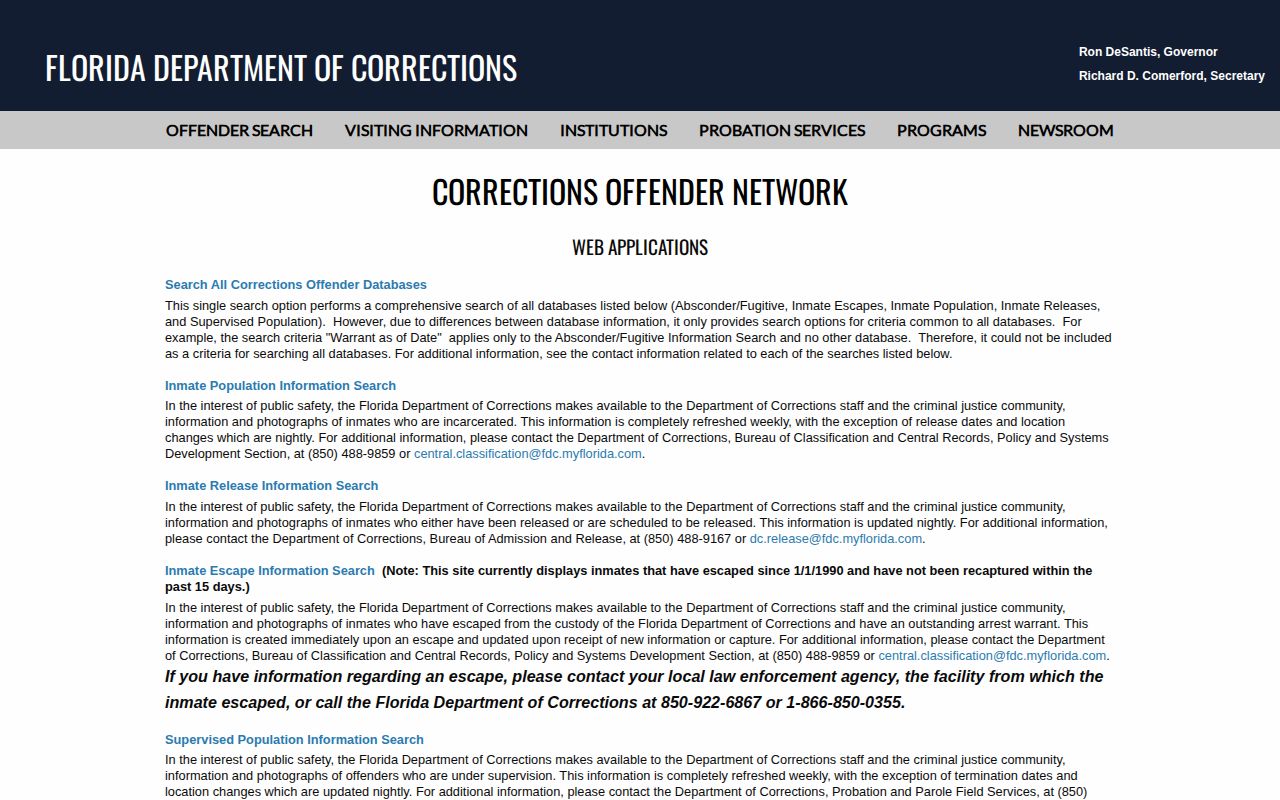
This screen is really a set of routes, not one all-purpose list. That explains why a person missing from one FDC search may still turn up in another population.
Search the FDC Offender Database
The FDC offender search takes a name, a DC number, or an alias. The choice depends on the search you pick. A DC number runs six characters. It uses six digits, or one letter followed by five numbers. Name searches can behave as prefix matches. A short or common surname may pull up several people. Compare full name and identifier before opening any result.
Two controls on the form shape the result list. You can suppress photos on the list page. You can also narrow results to offenders who have images on file. Hiding a list photo does not mean FDC lacks an image. The detail page may still show one. Start with the official FDC search form and work through the steps in order:
- Open the population or search type that fits the record sought, such as inmate, release, or absconder.
- Enter a last name and first name, DC number, or alias. Use the full identifier when it is known.
- Review the result names and identifying fields. Widen or narrow the name only as needed to find a matching profile.
- Open the individual detail page to inspect the photo and record. A list setting can hide the image without removing it from the detail page.
- Read the status and update language, then confirm current location or release with FDC if the answer must be current.
The FDC search form displays the name and DC-number fields, the photo-suppression choice, and the option to limit results to records with images. These settings change what the list shows. They do not touch the legal status of any record.
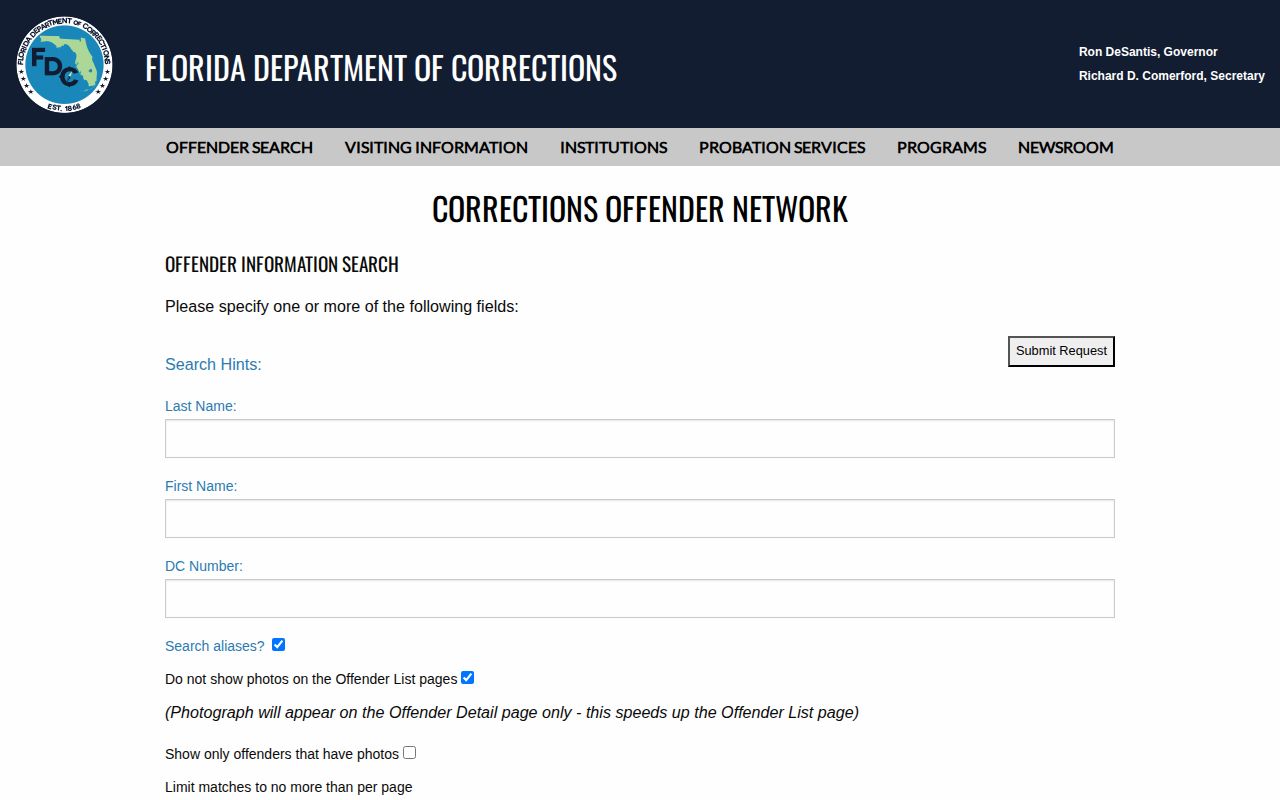
Broad name search? Try the DC number or an alias to pin down identity. Never rely on a face alone.
Read an FDC Offender Profile
An FDC result is a corrections profile, not a copy of a county arrest report. Depending on the search, it may show a photo, the person's name, and a DC number. Offense details and status or population information may appear too. Fields vary by result type. Trust the details on the specific record rather than assuming every profile looks the same.
The table below lists the fields and what each one means in practice. FDC updates its database over time. The agency itself cautions that displayed location or release details may lag behind a later event.
| Profile field | What it can tell you |
|---|---|
| Name and alias | Identity terms used in the search. Compare these with the DC number before treating the record as a match. |
| DC number | The FDC identifier for the offender record. The six-character format can narrow a name search. |
| Photo | The image currently attached to the FDC profile. It is an offender photo, not necessarily the county booking image. |
| Offense information | Current or prior offense details tied to the corrections record. Read the court disposition for the final case result. |
| Population or status | Whether the search concerns an inmate, supervised person, release record, escape, or absconder entry. |
| Location or release detail | Information displayed for that search type. The FDC warning says these details can change and may lag. |
A release entry does not prove every other legal restriction has ended. The offense label reflects a sentence or supervision path, not the court docket. Read the record for what it is.
When FDC Photos and Status Change
FDC publishes no separate photo-replacement schedule. The guidance talks only about database refreshes. Population searches refresh roughly weekly. Release dates and location changes update nightly. The release, escape, and fugitive searches follow their own update terms.
None of that promises an image gets replaced on any set day. A profile photo is just the image FDC links now. It may not be a fresh intake picture. The public page can also lag behind a real-world transfer or release. FDC itself warns against treating a displayed location, status, or release date as live confirmation.
The FDC absconder-search page adds its own update and safety language for that population. An absconder or fugitive label sits on an FDC supervision record. It is not a county warrant. It is not an FDLE wanted-person entry.
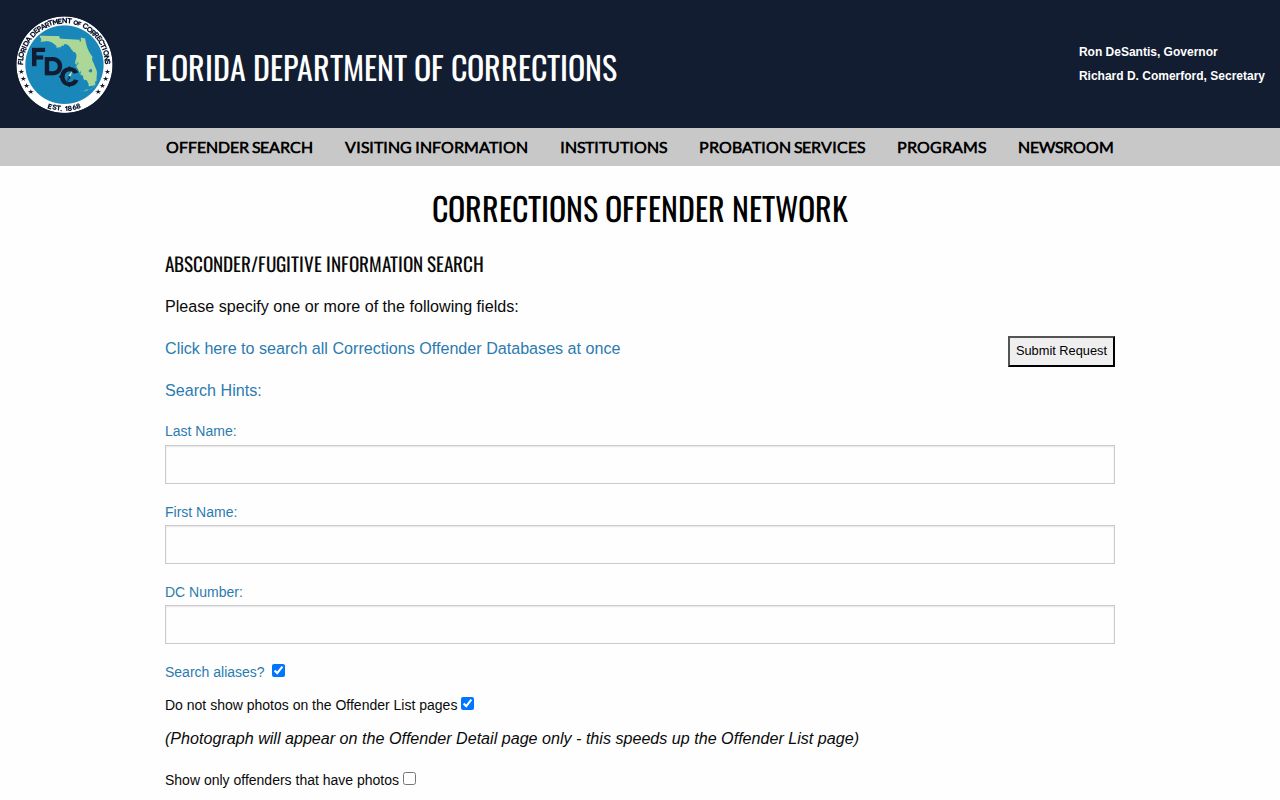
A status check is sometimes urgent. Use the contact path shown on the official FDC record. Never approach someone based on a database entry. For a current location, read three things together. Note the population selected, the date or update note, and any release field. A release search can keep a record on screen. That does not mean the person is locked up now. Verify any listed location with FDC before relying on it.
Former Offenders in FDC Search
FDC runs several distinct searches. There is an inmate search, a supervised-population search, release information, and separate lookups for escapes and absconders. A former offender can surface in release results. Escape or absconder results depend on status. A hit in one search does not mean the person is still in prison.
The separate release option matters. Someone missing from a current-inmate query may still appear in a release search. Check the population label and update note. That screen describes only its own category. It will not give a full history of later court events or a live location. If the public menu hides an older record, ask FDC about a narrow request covering one record type and date range. Exemptions can still block release of some records or photographs.
Not everyone sentenced to FDC stays searchable forever. A missing result does not prove the person was never in state custody. The record may sit under another name form. It may have changed, or a county or another agency may hold it. Check the search type you selected. Follow its update note.
For a county arrest, go to the sheriff or arresting agency that made the booking. The Florida county directory routes you to those local record holders. For an appeal or court disposition, use the Clerk of Court for the county trial case, since FDC's offender system covers only the state-prison and state-supervision layer.
FDC Photos vs County Booking Photos
Where the person sits in the justice system decides the right photo search. The booking record starts at county intake. A sheriff or arresting agency creates it. FDC's offender search covers people sentenced into state prison or listed in its supervision populations, so one record never replaces the other.
| Record path | Who it covers | What the photo means | Where to check |
|---|---|---|---|
| County booking record | A person booked by a county jail or arresting agency, whether later released or held. | The image made or held as part of a local arrest or intake record, subject to public-record exemptions and the agency's publication policy. | The county sheriff, jail, police agency, or its records custodian. |
| FDC offender profile | A felony offender sentenced to FDC or included in an FDC supervision or status search. | The image attached to a state corrections profile. It is not necessarily the original county booking photo. | The official FDC offender-search system. |
Someone released from county custody may vanish from the current jail roster. The county still holds the booking record, though. A state sentence may later surface in FDC. That result cannot tell you whether the county booking image is still online.
For the county side, start with the Florida County Directory to reach the county behind the arrest. The official FDC search holds state-prison and state-supervision records. Local agencies hold local bookings.
Florida's public-records law sets the baseline for requests: inspection and copying, prompt good-faith responses, and redaction of exempt material. That baseline governs requests to the custodian. A specific exemption can still limit release, and the §119.07 page lays out that same inspection, response, and redaction framework for Florida agencies.
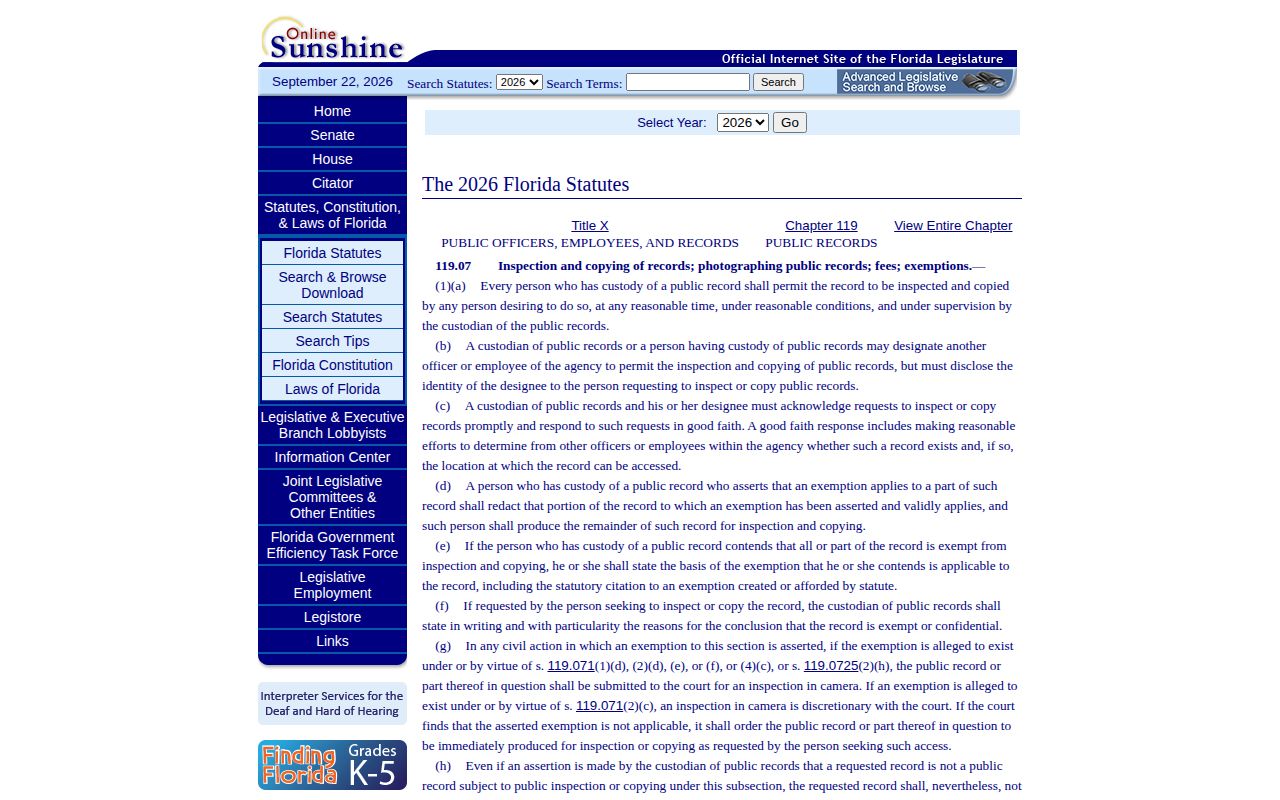
FDC still chooses which record fields are releasable and may redact material covered by law. Name the record and request the nonexempt parts.
Request FDC Photos and Records
The search form is the quickest route. Use a public-records request when the profile lacks what you need. That applies to the photograph, the underlying booking or intake record, disciplinary material, or the release record. FDC directs requests through its Public Records Request page. Give the custodian enough detail to find one record. Include the name, plus the DC number if known. Add the record type, date range, and institution or supervision context. Say which item you want. That could be an offender photograph, a booking or intake document, a disciplinary record, or a release record. A broad request for every image tied to a name may need clarification.
- Check the FDC search first and note the exact name and DC number shown.
- Open the FDC public-records instructions and submit the request through the stated contact route.
- Describe the record, date range, and population or institution as narrowly as possible.
- Ask for electronic copies when available and for any nonexempt portions if the agency redacts material.
- Keep the request and the agency's response so a follow-up can refer to the same scope.
FDC's public-records page controls how requests should be sent. Check it before anything else. Florida law expects a prompt, good-faith answer from the agency. Beyond that, no fixed fee or deadline applies to every case. Some photographs may stay withheld. Exemptions and the labor of finding a record can shape the outcome. The FDC request page lists the official contact route for state corrections records. Send booking-photo requests to a county jail, not here.
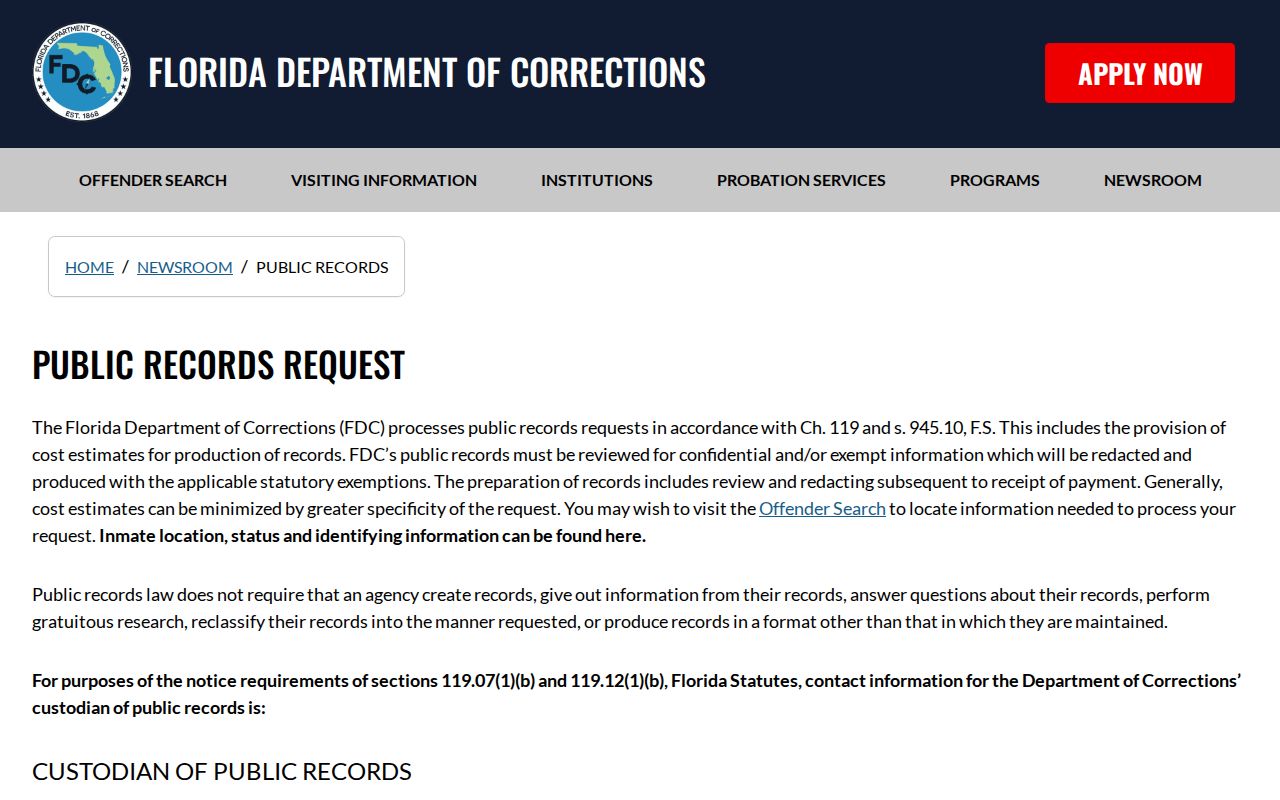
You can ask for nonexempt parts of a record. Lawful redaction is fine. The agency decides what its rules let it release, not whatever a public search result shows. What if the FDC result shows no photo? Open the individual detail page and try the photo filters first, then ask FDC directly whether a separate photograph exists and can be released.
FDC Search Is Not a Live Locator
FDC warns that its database can shift fast. A result may miss a person's true location, current status, or release date. Treat the search as a helpful index. It is not live custody confirmation. Someone held in a Florida county jail belongs on that sheriff's roster or with its records unit. A state sentence points to the FDC population note. Federal inmates, ICE holds, and other local agencies each run their own locators. An empty search proves nothing about freedom or a lack of arrest. Each system logs a different event. County booking means arrest and intake. A court docket tracks charges and outcomes. An FDC entry reflects a state sentence or supervision. Sorting these apart matters. It keeps a county booking photo from being read as an FDC offender photo, or a release result from posing as a current inmate record.